

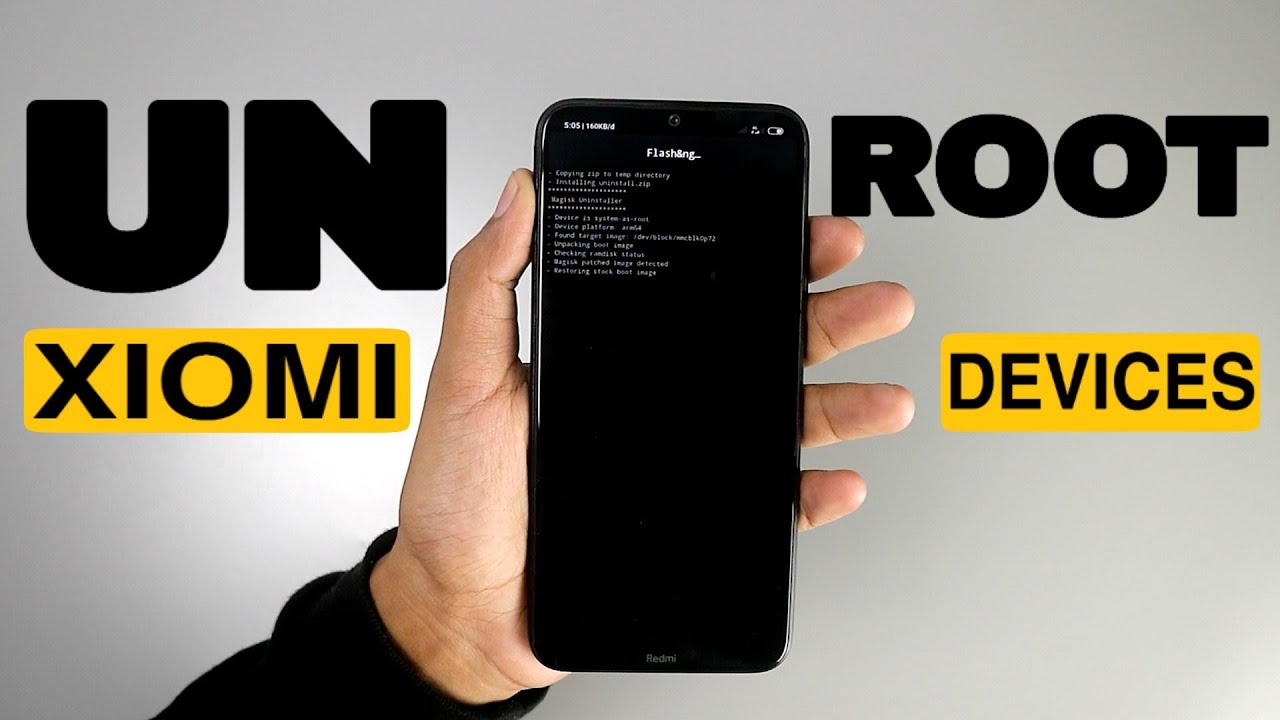
Many Xiaomi users choose to root their device at some point, maybe to unlock full system control, remove bloatware, or install advanced apps that require root access. But later, the situation may change. Some users want to get OTA updates again, some want to increase device security, and others want to sell the phone and return it to its original state.
Whatever your reason, this guide will show you the complete and safest way to unroot your Xiaomi phone, step-by-step, using different methods depending on how the device was rooted.
This is a detailed, 2000-word guide in English, easy to understand even for beginners.
Why Do Users Want to Unroot Their Xiaomi Phone?
Before diving into the technical steps, it’s helpful to understand why people want to unroot. Rooting can unlock special features, but it also brings consequences. Unrooting restores the system back to its secure, stable state.
1. To Restore Security and Stability
Root modifies system partitions, making the device less secure. Some apps stop working, security checks can fail, and system behavior becomes unpredictable. Unrooting restores Xiaomi’s built-in protection.
2. To Enable OTA Updates Again
Xiaomi phones that are rooted normally cannot receive OTA updates via MIUI or HyperOS. After unrooting, updates usually work again without issues.
3. To Prepare the Device for Selling
Most buyers prefer a non-rooted device. A clean, unrooted Xiaomi phone is easier to sell and looks more legitimate.
4. To Fix System Errors or Bugs
Rooted devices sometimes experience:
- Camera not working
- Crashes or instability
- Battery drain
- Incompatibility with apps
Unrooting often solves these issues.
Preparation Before Unrooting
Before starting any unroot method, take a few important precautions.
1. Backup Important Data
Some unroot methods may require a factory reset or even a full ROM flash. Backup ensures you don’t lose files, photos, or app data.
2. Charge the Phone
Make sure your battery is at least 50% to avoid interruptions during the unroot process.
3. Know How Your Xiaomi Phone Was Rooted
Most Xiaomi users root their phone with:
- Magisk (most common)
- SuperSU
- TWRP flash root zip
- Manual root access via custom recovery
Knowing this helps you choose the correct unroot method.
4. Have a PC Available (Optional)
Some advanced methods require a computer, especially if root caused system corruption or if you want a clean, factory-fresh system.
Different Ways to Unroot a Xiaomi Phone
Below are the most effective and safest methods, starting from the easiest to the most advanced.
1. How to Unroot a Xiaomi Phone Using Magisk (Easiest & Safest Method)
Magisk is the most popular rooting tool for Xiaomi devices, and fortunately, it also provides the quickest and safest unroot method.
Steps to Unroot Through Magisk:
- Open the Magisk app on your Xiaomi device.
- On the main screen, tap Uninstall.
- Choose Complete Uninstall.
- Confirm the action.
- Your phone will automatically reboot.
Once the device restarts, root access will be completely removed.
Advantages of This Method
- No data loss
- Very fast (only a few minutes)
- No PC required
- Safest and most stable
2. How to Unroot a Xiaomi Phone Manually Using a File Manager
If your Magisk app is missing, corrupted, or unable to open, you can unroot manually by deleting the root files directly from the system.
Steps for Manual Unroot:
- Open a file manager that supports root file access.
- Enable Show system files or Root Explorer.
- Go to these directories:
/system/bin/system/xbin
- Delete the files:
subusybox
- Go to
/system/app/and remove any folder related to:- Superuser
- SuperSU
- Magisk
Restart the device afterward.
Advantages
- No PC needed
- Works even if Magisk is broken
Disadvantages
- Risky if you delete the wrong file
- Might leave traces of root
3. How to Unroot Xiaomi Using SuperSU
Older Xiaomi devices, or users who rooted their phone many years ago, may have used SuperSU.
Steps to Unroot via SuperSU:
- Open the SuperSU app.
- Go to the Settings tab.
- Scroll and select Full Unroot.
- Confirm the action.
- Wait for the phone to reboot.
Simple and straightforward.
4. The Cleanest Method: Unroot by Flashing Xiaomi Fastboot ROM
If you want your Xiaomi phone to feel 100% new, clean, and untouched, the best method is flashing the official fastboot ROM.
This method removes:
- Root
- Magisk modules
- Custom recovery
- Modified kernel
- System errors
- Bootloop issues
When Should You Use This Method?
- When selling the phone
- When Magisk unroot fails
- When system errors appear
- When OTA updates refuse to install
- When TWRP cannot be removed
What You Need
- A laptop or PC
- USB cable
- Mi Flash Tool
- Official Fastboot ROM for your Xiaomi model
Steps to Flash Fastboot ROM:
- Turn off your Xiaomi phone.
- Press Volume Down + Power to enter fastboot mode.
- Connect the device to your PC.
- Launch Mi Flash Tool.
- Select the extracted Fastboot ROM folder.
- Choose Clean All (recommended).
- Click Flash.
- Wait until the progress bar turns green.
- The device will reboot automatically.
This restores the phone entirely to its factory condition.
5. Unroot Using Custom Recovery (TWRP Method)
If you rooted your Xiaomi using TWRP flash zip files, you can also unroot using TWRP.
Steps:
- Boot into TWRP Recovery.
- Tap Install.
- Select Magisk Uninstaller.zip or another unroot zip file.
- Flash it.
- Reboot the device.
This method is useful if Magisk is installed but the app is not functioning properly.
What to Do After Unrooting Your Xiaomi Phone
Unrooting is not the final step. To ensure everything works perfectly, here are additional steps you may want to take.
1. Check Security Status
After unrooting, try:
- Opening payment apps
- Checking Play Protect status
- Testing Google SafetyNet
If all features function normally, your device is properly unrooted.
2. Install System Updates
Now that your system is clean, OTA updates should work again. Update to the latest MIUI or HyperOS version for better security and stability.
3. Remove Leftover Root Modules
Sometimes Magisk leaves small leftover files or modules.
Check internal storage folders:
/data/adb/modules/data/adb/magisk
If these folders exist, delete them manually.
4. Perform a Factory Reset (Optional)
If unrooting caused bugs or the system still feels slow:
- Go to Settings → About phone → Factory reset.
This ensures the system is completely refreshed.
How to Confirm That Your Xiaomi Phone Is Fully Unrooted
To ensure the unroot process is successful, check the following:
1. Use a Root Checker App
It will show whether the su binary still exists.
2. Try Running Banking or Payment Apps
These apps will refuse to work if root is detected.
3. Check for System File Integrity
If the system no longer contains root files and passes security checks, then your Xiaomi is fully unrooted.
What If Unroot Fails or Causes Problems?
Sometimes unrooting doesn’t go smoothly for everyone. You may face:
- Bootloop
- Failed OTA update
- Magisk not uninstalling
- System still showing rooted
- Apps still blocking access
Best Solutions:
- Flash the fastboot ROM (most reliable)
- Wipe cache and dalvik in recovery
- Remove leftover modules
- Reinstall Magisk, then uninstall properly
These usually solve almost all unroot problems.
Conclusion: Unrooting a Xiaomi Phone Is Easy If You Choose the Right Method
Unrooting your Xiaomi phone is not difficult, you just need to follow the correct method based on how the device was rooted. Magisk unroot is the fastest and safest choice for most users, while flashing fastboot ROM is the cleanest option for a fully fresh system.
No matter whether your goal is security, stability, updates, or preparing the phone for sale, unrooting restores your Xiaomi device to its original, secure, and reliable condition.
