

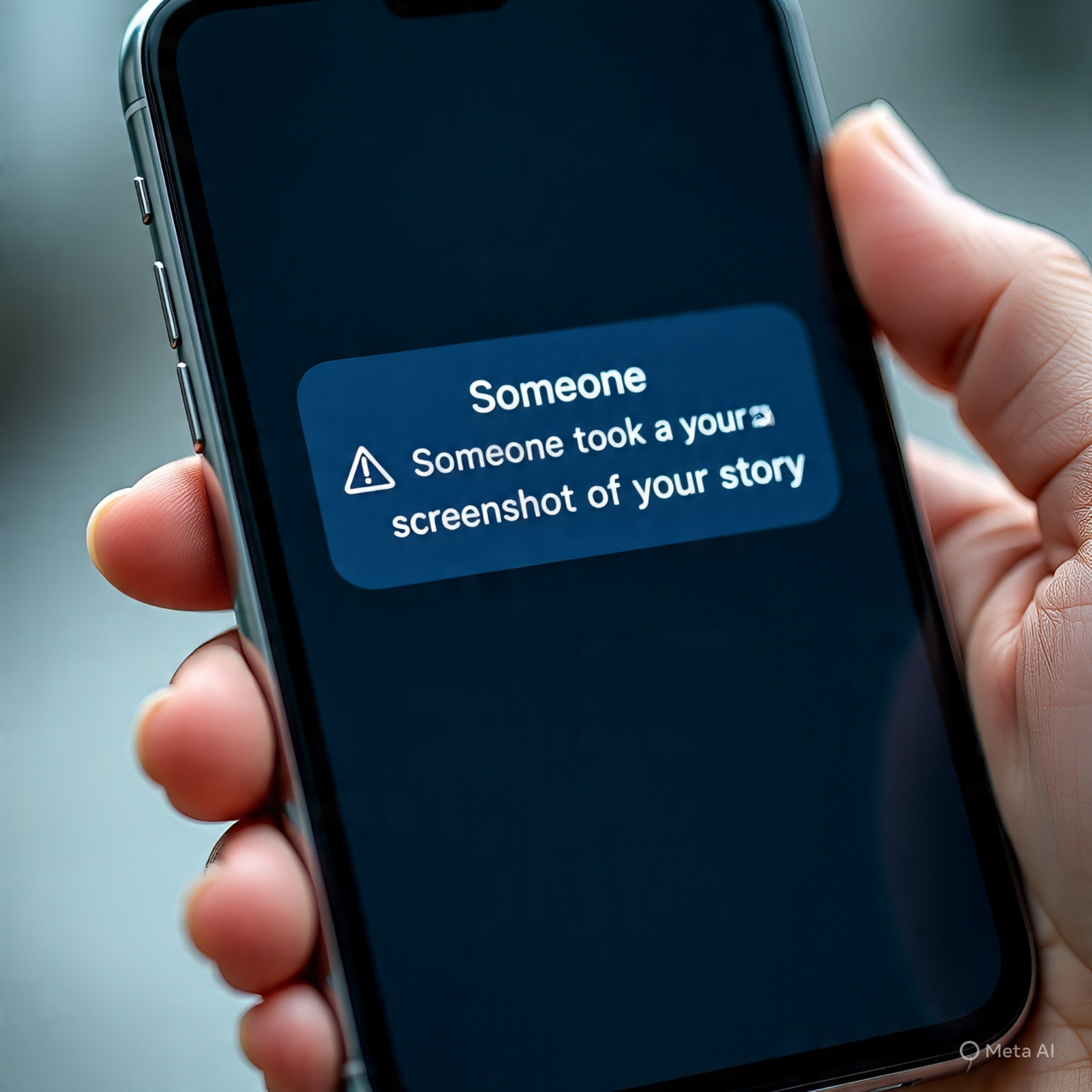
Instagram is one of the most popular social media platforms in the world, where millions share their daily moments, stories, reels, and private messages. With so much content being shared, one question keeps popping up: does Instagram notify when you screenshot? Whether you’re saving a funny story, grabbing a meme from someone’s post, or keeping a disappearing DM, you probably want to know if the other person gets an alert.
The answer isn’t as simple as yes or no. Instagram has different rules for screenshots depending on the type of content, from regular posts to vanish mode messages. This guide breaks down everything you need to know, along with tips on screenshotting safely and respecting privacy.
Does Instagram Notify When You Screenshot
Instagram’s approach to screenshot notifications is selective. For most content like posts, reels, and stories, the platform does not notify users. However, for disappearing messages and vanish mode DMs, Instagram does alert the sender. Understanding the rules helps you navigate screenshotting without awkward situations.
How Instagram Handles Different Content Types
- Stories: Screenshots of regular stories, including highlights, do not trigger notifications. You can capture those moments without alerting anyone.
- Posts & Reels: Taking a screenshot of a post or reel will never notify the poster. Whether it’s a travel photo, a funny meme, or a product post, your action remains private.
- DMs (Direct Messages): Regular DMs do not notify users when you screenshot them. However, disappearing messages in DMs or vanish mode messages do notify the sender.
- Profiles: Screenshots of Instagram profiles do not send notifications, making it safe to save bios, links, or usernames.
Instagram Screenshot Notifications Explained
Instagram uses notifications to protect ephemeral content, similar to Snapchat’s system. However, unlike Snapchat, Instagram does not alert users for every screenshot.
- Disappearing Messages: Notifications appear only when you screenshot vanishing messages in DMs. This ensures that temporary content remains private.
- Stories & Posts: Instagram previously tested notifications for story screenshots but removed them. Now, regular stories, highlights, and posts are safe.
- Platform Differences: On iOS and Android, notifications behave the same way for ephemeral content, while regular content remains non-notifiable.
Instagram Screenshot Privacy Settings
While you can’t block others from screenshotting your posts, Instagram allows you to control who sees your stories. Here’s how:
- Access Your Story Settings: Open Instagram, tap your profile picture, swipe right, and click the gear icon.
- Privacy Settings: Navigate to “Story settings” and toggle “Hide story from” specific followers.
- Choose Your Audience: Select followers you want to hide your stories from.
- Save & Share: Click “Done” to save your settings. You can update this anytime.
This lets you maintain privacy even if someone screenshots your story.
Content Type Specific Instagram Screenshot Scenarios
Instagram Story Screenshot Notification
Regular stories do not notify users. You can safely screenshot funny moments, inspirations, or highlights.
Instagram Post Screenshot Notification
Instagram posts, including photos and videos, are safe to screenshot without alerting the poster. Use Instagram’s built-in Save feature to organize posts as an alternative.
Instagram Reel Screenshot Notify
Reels can be screenshotted without sending notifications. You can also save reels directly into collections for easy reference.
Instagram Profile Screenshot Notification
Profiles do not trigger screenshot alerts. You can save bio information, links, and usernames safely.
Instagram DM Screenshot Notify
- Regular DMs: No notifications.
- Vanish Mode/Disappearing Messages: Notifications sent to the sender. This protects temporary content.
Behavior & Alternatives
- Save Instead of Screenshot: Use Instagram’s Save feature for posts and reels.
- Take Screenshots Safely: For stories, posts, or reels, screenshots are safe. For disappearing DMs, notifications cannot be bypassed.
- iPhone/Android Differences: Both platforms treat disappearing content notifications the same.
Broader Platform Comparisons
- Snapchat vs Instagram Screenshot Alerts: Snapchat notifies for every screenshot, while Instagram is selective.
- Social Media Screenshot Behavior: Understanding each platform helps protect privacy and avoid awkward situations.
Common Myths About Instagram Screenshots
- Third-party apps claiming to notify screenshots are unreliable.
- Screenshots of old DMs or posts do not trigger notifications.
- Regular stories and posts are safe to screenshot without alerts.
Perfect! Let’s continue expanding the blog naturally, adding more details, examples, and practical tips to reach 1800+ words.
How to Screenshot Instagram Safely
Even though Instagram is selective about notifications, some users still want to know how to screenshot safely, especially when dealing with disappearing messages or vanish mode. Here’s a detailed look at safe practices:
- Regular Stories and Posts: You can screenshot freely without worrying about alerts. Screenshots of highlights, reels, or even shared posts in your feed remain completely private.
- Disappearing DMs or Vanish Mode: Instagram will notify the sender. There’s no official way to bypass this alert, so respect the sender’s privacy. Attempting third-party apps can be risky and may compromise your account security.
- Use Desktop Browser: Viewing stories on Instagram web and taking screenshots from a browser sometimes avoids mobile alerts, but this only applies to regular stories—not disappearing DMs.
- Airplane Mode Method: Some users try opening DMs or stories while offline and taking screenshots. This works for posts and stories but won’t work for disappearing messages, which require active delivery to trigger notifications.
Being mindful of these tips ensures you avoid unwanted alerts while maintaining ethical behavior on the platform.
Why Instagram Doesn’t Notify Screenshots for Most Content
Instagram’s decision to notify only for disappearing messages has a purpose. Understanding this helps explain why your posts, stories, or reels are safe to screenshot:
- Encouraging Sharing: Instagram wants users to freely share content like posts and reels without privacy anxiety. Allowing screenshots without alerts encourages interaction and engagement.
- Protecting Ephemeral Content: Notifications for disappearing messages are meant to preserve privacy for content meant to be temporary.
- Reducing Anxiety: If users were notified every time someone screenshotted a post or story, it could discourage sharing and create tension.
This balance between privacy and freedom to save content makes Instagram unique compared to platforms like Snapchat.
Tips and Tricks for Instagram Screenshot Management
- Use Instagram Collections: Instead of screenshotting, save posts and reels into collections. It keeps your device storage free and avoids unnecessary notifications.
- Organize Your Saves: Create separate folders for memes, inspiration, travel ideas, or educational content.
- Respect Disappearing Messages: If someone sends you ephemeral content in DMs or vanish mode, remember screenshots trigger notifications. Use these messages responsibly.
- Stay Updated: Instagram occasionally tests new features. Always check for updates to ensure you know what triggers notifications.
By applying these tips, you can enjoy content freely without unintentionally notifying others or cluttering your device.
Understanding Instagram Screenshot Notifications Across Devices
- iPhone Users: Instagram screenshot notifications behave the same for disappearing messages and vanish mode as on Android. Standard posts and stories are safe to capture.
- Android Users: Notifications for ephemeral content trigger consistently, while screenshots of regular content remain unnoticeable.
- Tablet or Desktop: Using a tablet or web browser allows screenshots of posts and stories safely. Disappearing messages still alert the sender, as alerts are tied to message delivery rather than device type.
Knowing how notifications differ by device helps avoid accidental alerts.
Instagram Screenshot Scenarios You Should Know
To make this practical, here are common scenarios and what happens when you screenshot:
- Screenshotting a Friend’s Story: Safe, no notification.
- Screenshotting a Public Post or Reel: Safe, no notification.
- Screenshotting a Profile Page: Safe, no notification.
- Screenshotting a Disappearing Photo in DM: Sends a notification to the sender.
- Screenshotting a Vanish Mode Message: Sends a notification immediately.
Using this knowledge, you can interact with Instagram content confidently without unnecessary stress.
Behavior & Alternatives to Screenshotting
Sometimes you don’t need a screenshot to save content. Alternatives help maintain privacy and organization:
- Save Posts and Reels: Tap the bookmark icon and save to a collection.
- Use Instagram Collections: Organize your saved content by topic or interest.
- Screen Recording for Videos: Safe for non-ephemeral reels or posts, but not for disappearing DMs.
- Sharing Links: For posts, stories, or reels, sharing the link with friends avoids screenshots entirely.
These methods reduce unnecessary screenshots and prevent triggering alerts for disappearing messages.
Broader Platform Comparisons
Instagram’s selective notification system differs from other social media platforms:
- Snapchat: Alerts users for every screenshot. Ephemeral content is protected heavily.
- Facebook & Messenger: Generally do not notify for screenshots.
- WhatsApp: Screenshots are not notified, but disappearing messages in the app do not send alerts either.
By comparing platforms, users can better understand Instagram’s approach to privacy and content sharing.
Common Myths About Instagram Screenshot Notifications
- Myth: Instagram notifies every time you screenshot a story.
Truth: Only disappearing messages trigger alerts; regular stories, highlights, and posts are safe. - Myth: Third-party apps can notify you when someone screenshots your content.
Truth: These apps are unreliable and can compromise account security. - Myth: Screenshots of old DMs alert the sender.
Truth: Only ephemeral disappearing content triggers notifications; standard DMs are safe. - Myth: Instagram screenshot notifications vary by device.
Truth: Notifications behave consistently across iOS and Android for ephemeral content.
Debunking these myths helps users interact with Instagram confidently.
